How to convert CS2 sensitivity to Valorant without losing your aim
Keep the same hipfire turn distance when you move from CS2 into Valorant. The yaw math, a worked example, and the one check that still matters after you paste the number.
Free FPS tool
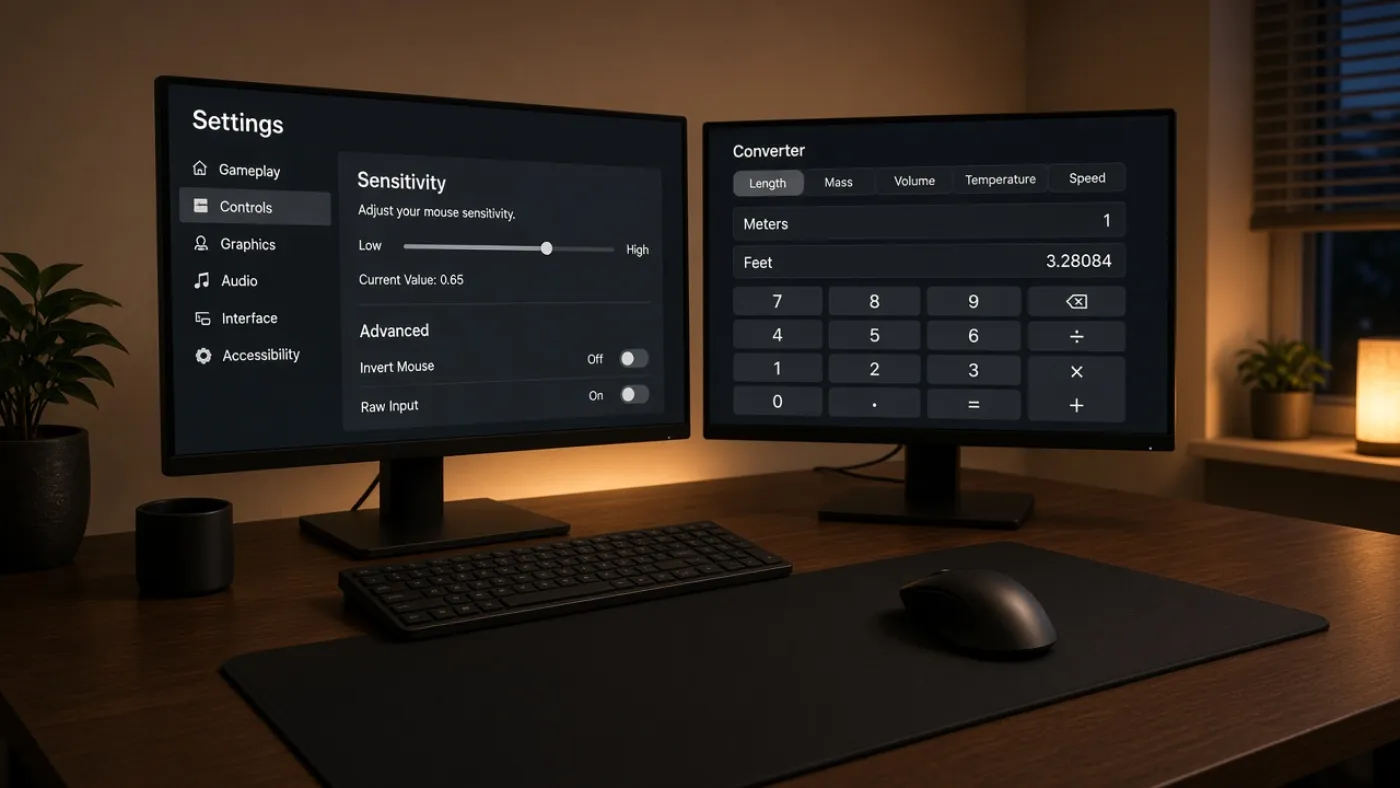
Type the hipfire number you already trust. The converter applies each game’s yaw constant and returns the matching sensitivity, cm/360, inches/360, and eDPI. Then confirm with one full turn on the pad.
Match hipfire turn distance. Keep DPI the same unless you are changing hardware. Then 360-test once in the range.
eDPI is shown for reference. Compare games with cm/360, not eDPI.
| Game | Sensitivity | eDPI | cm/360 | Yaw status |
|---|
It matches hipfire cm/360: the physical mouse travel for a full spin. It does not copy a slider from CS2 into Valorant and hope. Those sliders live on different yaw scales. CS2 uses 0.022 degrees per count. Valorant uses 0.07. The same “1.0” is not the same turn.
eDPI is listed because people search for it. Do not compare eDPI across games. 280 Valorant eDPI and 280 CS2 eDPI are different physical distances. Use cm/360 when you change titles.
| Starting point | What to do | Guide |
|---|---|---|
| CS2 → Valorant | Multiply CS2 sens by 0.314 at the same DPI, then 360-test. | Full walkthrough |
| Valorant → CS2 | Multiply Valorant sens by 3.1818 at the same DPI. | Muscle memory notes |
| Apex → CS2 | Hipfire copies 1:1. ADS does not. | Apex to CS2 |
| You only know eDPI | Convert inside one game first. Then use cm/360 to leave that game. | eDPI explained |
Keep the same hipfire turn distance when you move from CS2 into Valorant. The yaw math, a worked example, and the one check that still matters after you paste the number.
eDPI is useful inside one game and misleading across two. Here is the simple multiply, why 280 Valorant eDPI is not 280 CS2 eDPI, and when to ignore the number.
There is no magic centimeter count. There is a workable band, a way to measure your own turn, and a reason low-sens players still lose close-range fights.
OW2 and Valorant do not share a yaw. This walkthrough keeps hipfire cm/360, then explains why Widowmaker zoom still feels like a different mouse.
Yes, if you leave the in-game slider alone. No, if you rebalance the pair. The difference is physical distance, not the number printed on the mouse.
Apex hipfire and CS2 share a yaw, so the slider can copy 1:1. The part that still trips people is ALC, FOV, and ADS.